
Crew-based combat
Share a crew code so friends can join the same ship and split responsibility for steering, sails, and cannons.
Tip: use fullscreen for the clearest controls.
On a phone, rotate to landscape and use fullscreen for a larger game view.
About the game
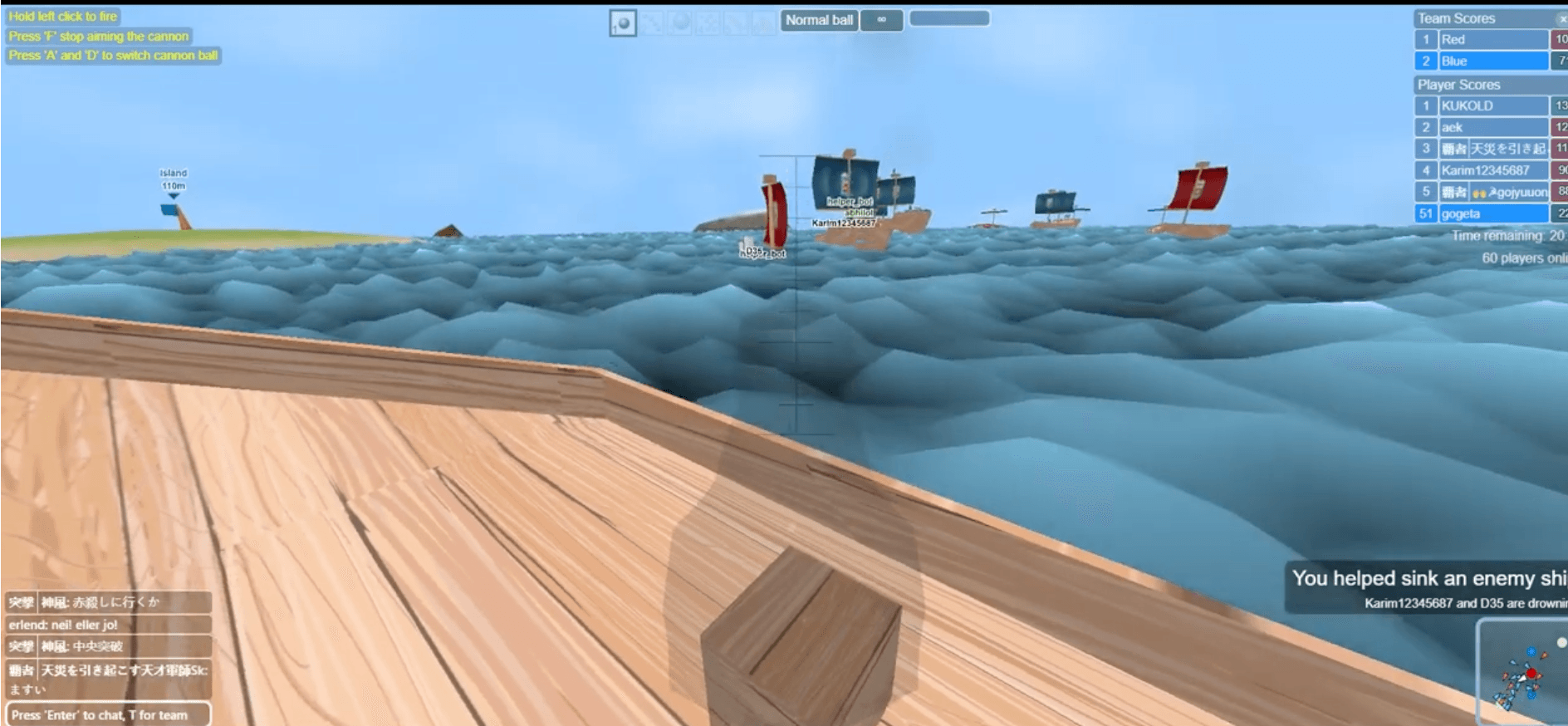
Ships 3D is an online naval combat game built around shared ship controls. Instead of controlling everything from a single screen, you move around the deck and interact with the helm, sails, and cannons. Standard battles can include up to 20 players, while larger modes support bigger servers.
The game was developed by Yp3d / ASDF Games and was listed for browser release in May 2022. You can play solo with a Helper Bot or invite friends using a crew code. This website is an independent fan site and does not claim ownership of the game.
Quick start
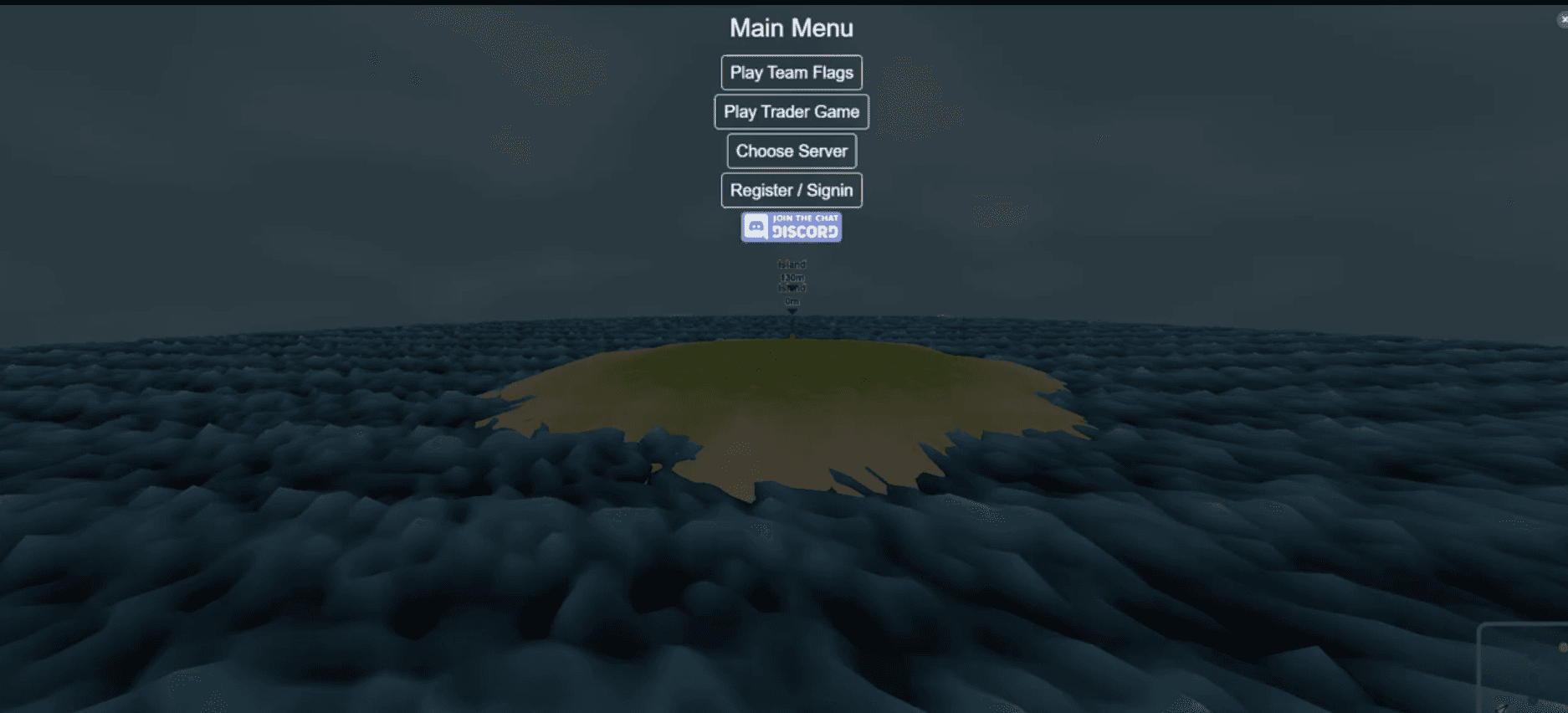
Start by entering a username and choosing a game mode. Once you are on a ship, use nearby stations instead of trying to control everything at once. Keep your broadside lined up with opponents and coordinate shots with your crew.
Beginner tip
Start with the Helper Bot enabled. Learn one station at a time, then invite a friend when you are comfortable steering or aiming.
Move around and steer while at the helm
Look around and aim
Fire while operating a cannon
Interact with the helm, sails, and cannons
Why it stands out
The most interesting part of Ships 3D is not a single weapon or ship class; it is the way several players share one vessel.
Share a crew code so friends can join the same ship and split responsibility for steering, sails, and cannons.
Playing alone is possible: a Helper Bot can take over a ship station while you focus on another role.
Earn levels and gold during battles, then improve your ship and cannons for stronger performance.
Choose Team Flags for team battles or Trader Mode for a larger, more open-ended server experience.
The game includes a friends list plus clan listings and clan chat for finding a regular crew.
Ships 3D is available in modern desktop and mobile browsers. Landscape mode is recommended on phones.
Common questions
Yes. You can launch and play the browser version for free. The embedded game is operated by its original provider, so its account options and in-game features may change over time.
No standalone installation is required. Your browser will still download and cache game files when it launches, so the first load can take a few seconds.
Yes. Create or share a crew code in the game so friends can join your ship. Coordinating the helm and cannons is one of the main parts of the experience.
Mobile browser support is available, but the interface is much clearer in landscape orientation. Use the fullscreen button when your browser supports it.
You can begin by entering a username. The game also offers register and sign-in options if you want to use its account features.
Watch before you play
See how ship stations, crew coordination, and cannon combat work in a full match.